
In the mini menu next to your name, you can find the invite button to add colleagues to your projects, assign roles, and tackle deforestation together.
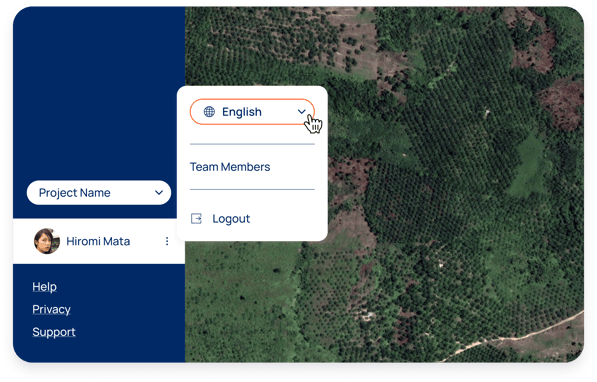
Satelligence offers four different access levels:
- Viewer: Account viewers can only see the platform components and cannot alter or download data or grant access to other users
- Member: Account members are able to upload and remove supply chain data and download data and reports, but cannot create new users
- Owner: Account owners have member permissions + are able to add users, and are able to generate API tokens.
- Supplier (case tracker only): while not an official access level, Owners and Members can use the case tracker to enable view only access to be granted to specific external users (suppliers) to see specific cases raised, upload files as evidence for case resolution, and a view only mode of the map showing the location of the deforestation case in the polygon or near GPS point